Inventory
Stock that updates as you sell.
Every order updates the stock. You see what is going out during service.
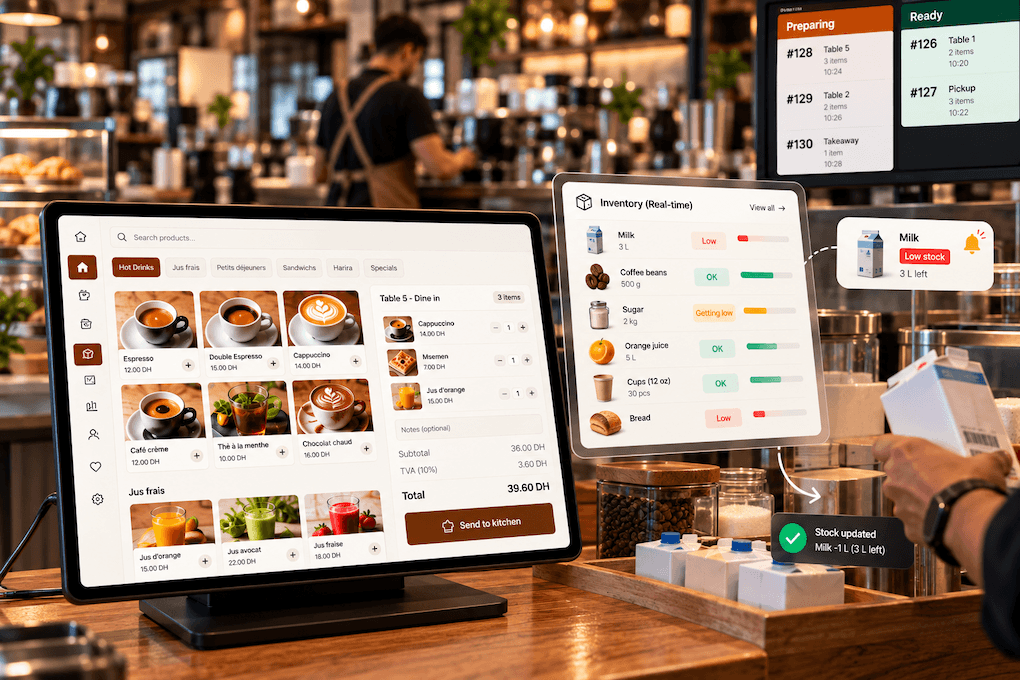
Stock should not wait until closing.
If counts happen after the rush, you only learn what moved when the day is already over.
Orders do the tracking.
Till, QR, kiosk or takeaway: each completed ticket updates the stock. The team sees quantities live.
What you can do
Live
Quantities move with orders, not at end of day.
Every way to order
Till, QR, kiosk and pickup feed the same stock.
A clear view
See what is going out during service.
Built for the rush
A look at stock without leaving the floor.
The order, then the stock
01
An order goes out
Till, QR, kiosk or takeaway.
02
Stock updates
Quantities follow what was just sold.
03
You see it live
The board stays current through service.